Discount Code Block
The Discount Code Block is a functional UI component within the Cart Module that facilitates the application and display of Shopify discount codes.
It consists of two key elements: an Cart Discount Code Input field that allows customers to enter valid discount codes (as defined in Shopify’s Discounts settings), and a display list that renders the currently applied discount codes. When a valid code is submitted, it is appended to the Discount Codes List and reflected in both the Cart Summary and this block in real time.
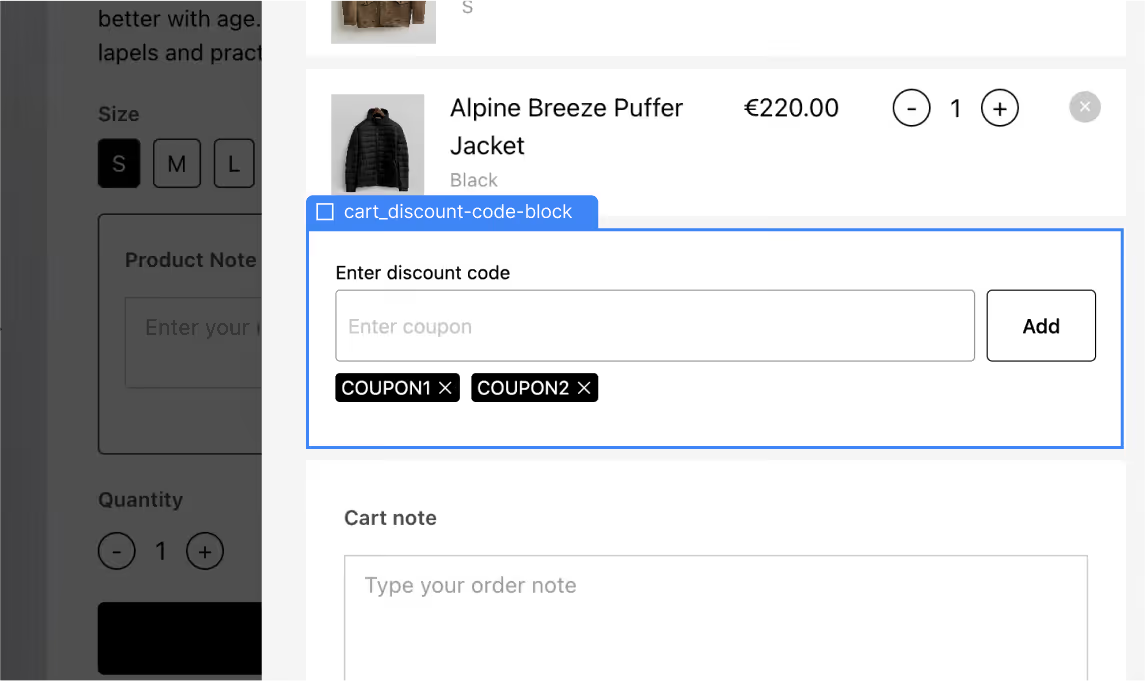
Discount code block components
Discount code block features the following components:
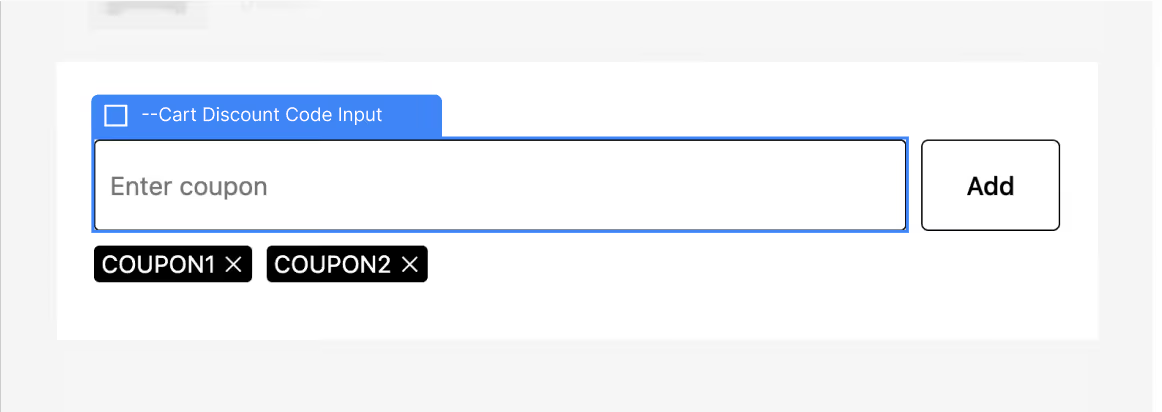
Discount Code Input
Discount Code Input is a regular text input that comes with a submit button.
Discount Code List
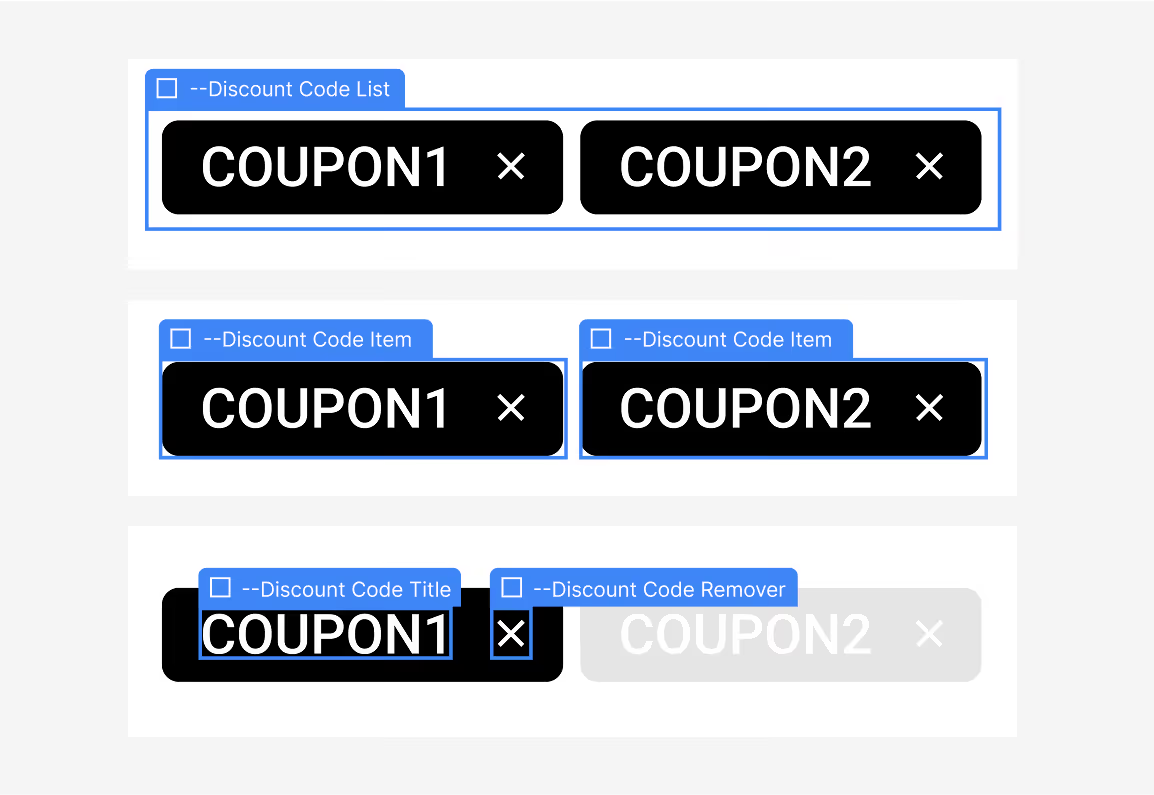
Order Discounts List contains the list of the Order Discount Items.
Discount Code Item
Order Discount Code Item component functions as a structural template for rendering each applied discount code in the Order Discounts Code List. Storesynk requires you to define a single Order Discount Code Item component, with it’s 2 inner elements