FEATURES
Cart & Product Upsell with Shopify Metafields
Show targeted upsell offers sourced from Shopify metafields—right on the product page or cart, using native Webflow elements you can fully control.
Free until you launch
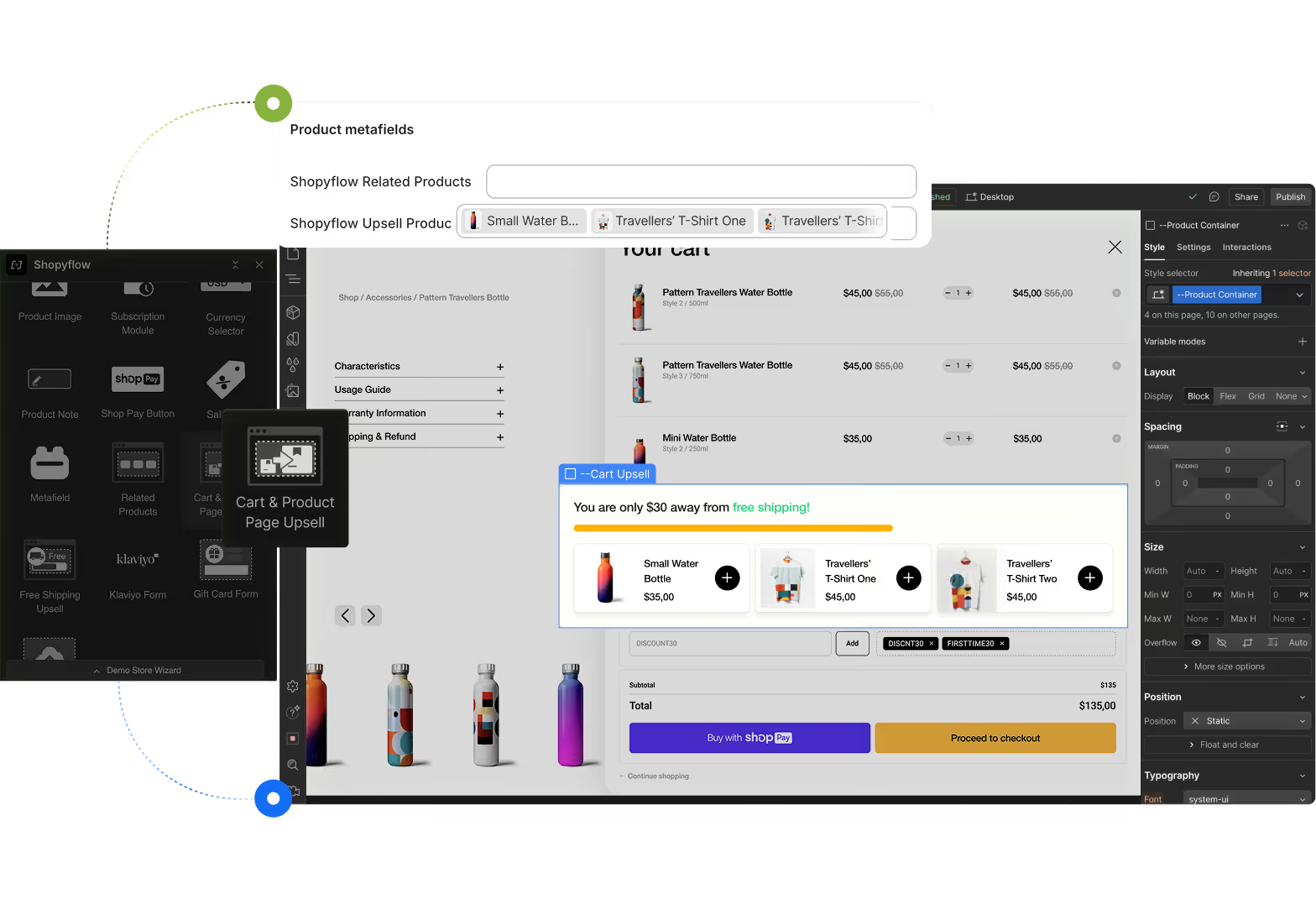
Dynamically recommend Shopify products based on product in view or the cart.
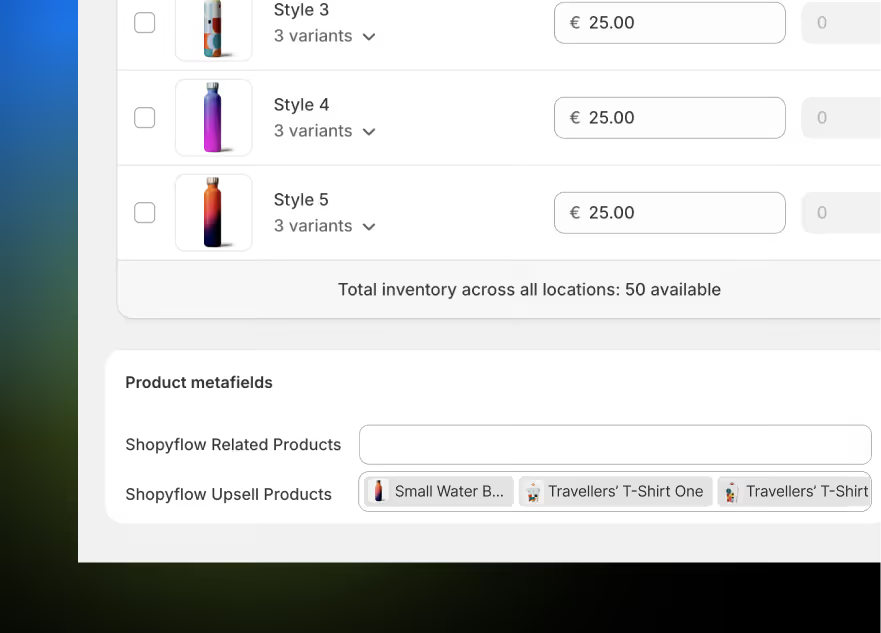
Upsells are powered by a Shopify metafield that lets you assign specific products or variants as upsell items per product. Once configured, Storesynk pulls this data into Webflow CMS and renders upsell blocks on the product page or cart—depending on the customer’s context.
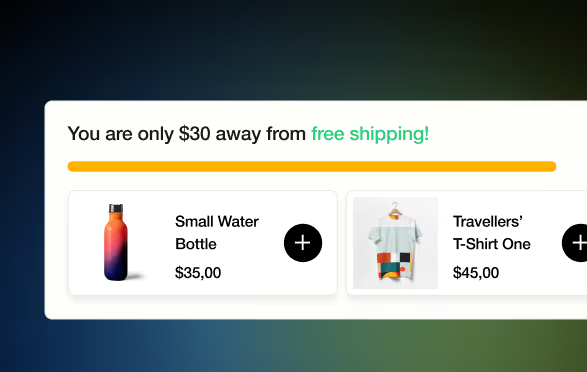
Cart progress bar to display discount opportunities
Pair upsells with a cart progress bar to unlock discounts as customers add more—creating urgency and boosting conversions.
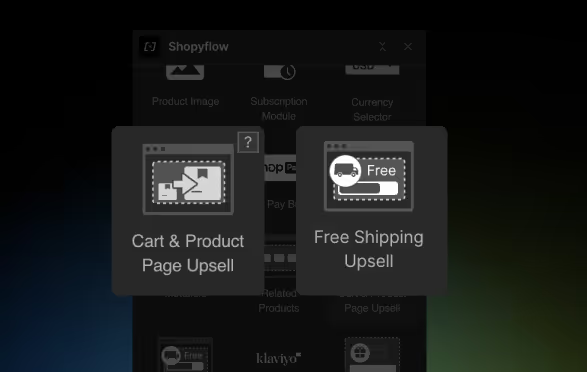
Available in-designer, made of fully customizable Webflow elements
Add and customize upsell blocks visually using native Webflow elements available in the Storesynk Webflow App.
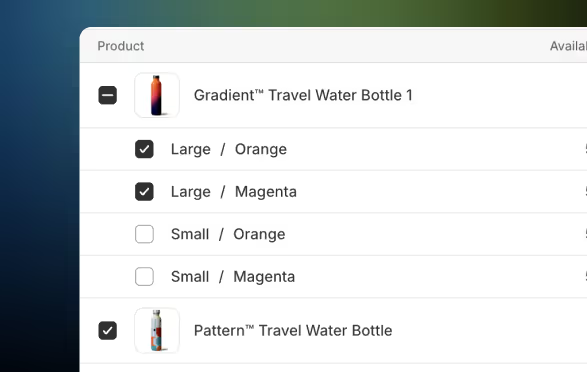
Works with both Products and Variants through Shopify metafield
Select individual products or specific variants as upsell items using Shopify metafields for more targeted recommendations.
Personalized offers that convert
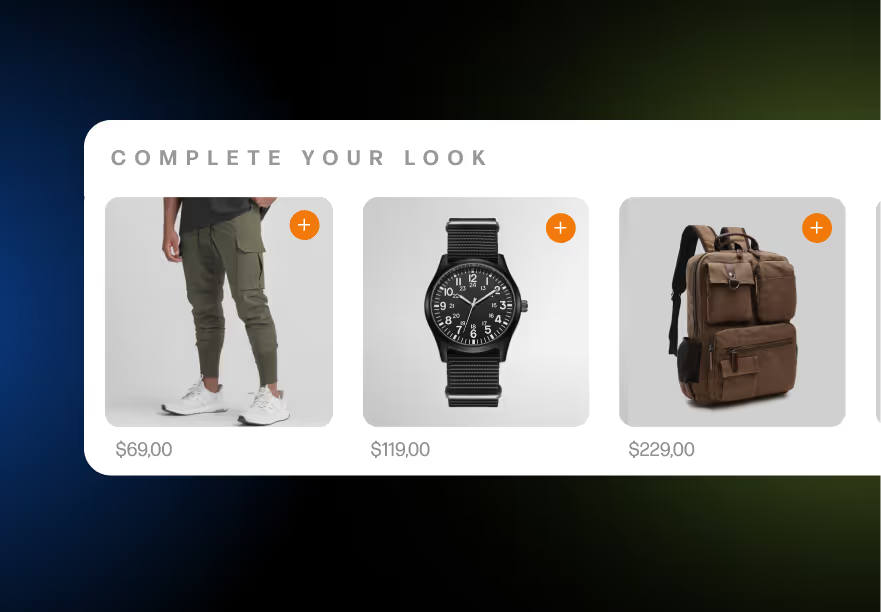
Show relevant add-ons or upgrades tied directly to each product, making the offer feel helpful—not pushy.
All native Shopify, more Revenue, no extra apps
Skip third-party upsell tools—Storesynk gives you native control, faster load times, and full design flexibility in Webflow.