FEATURES
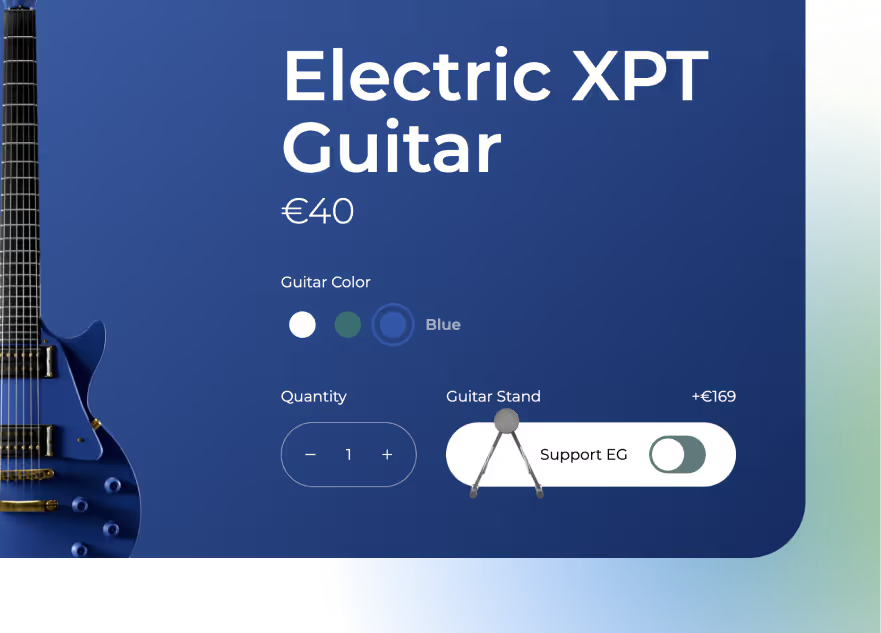
Sub Product
Create product bundles, upsells, and multi-step purchases by nesting multiple Buy Modules into a single action.
Free until you launch
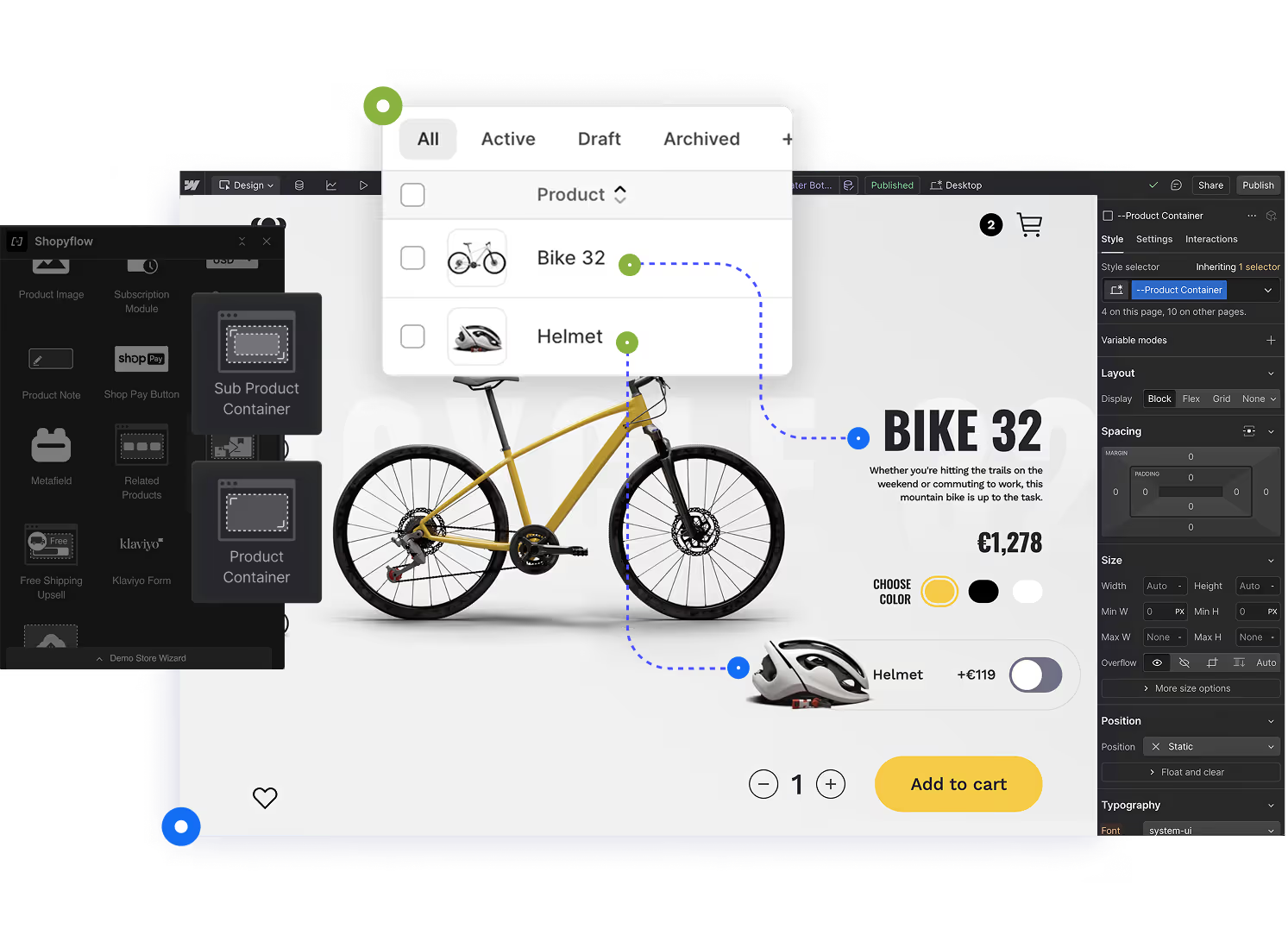
Unlock powerful merchandising strategies by adding multiple products to the cart at once
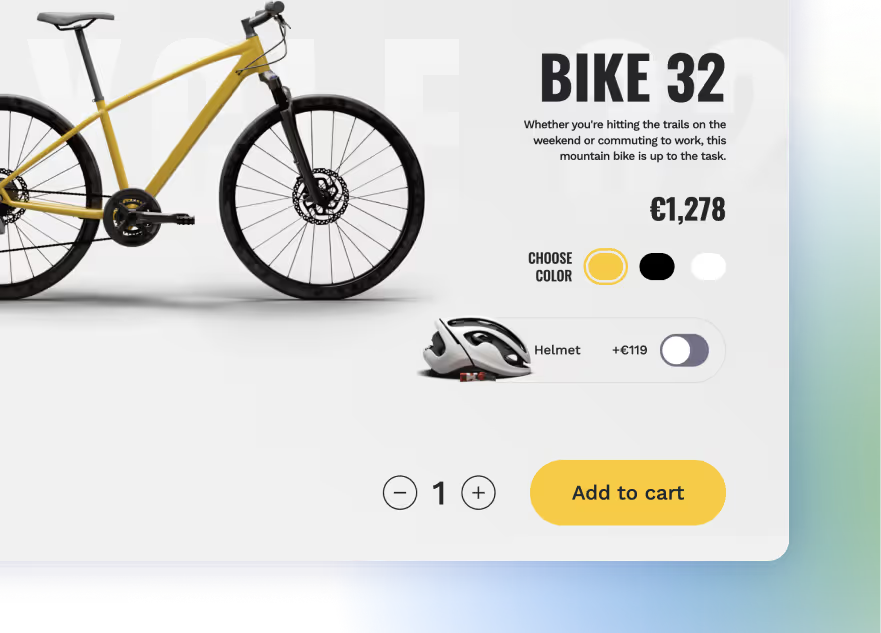
Nest multiple Buy Modules within a single Product Container to trigger multiple "add to cart" actions at once. This makes it easy to build product bundles, offer optional add-ons, or implement advanced purchase flows—like "complete the look" sections, starter kits, or multi-step builders.
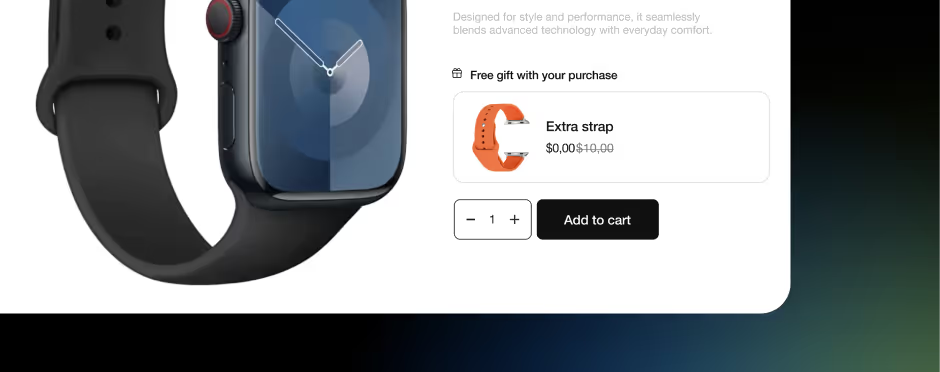
Required Add-ons, Free gifts and Bundles
Sub Products can be configured as required, ensuring they are always added to the cart alongside the main product. This makes it simple to build mandatory bundles, preset kits, or attach fixed add-ons—like warranties or starter items—without any extra logic or custom code.
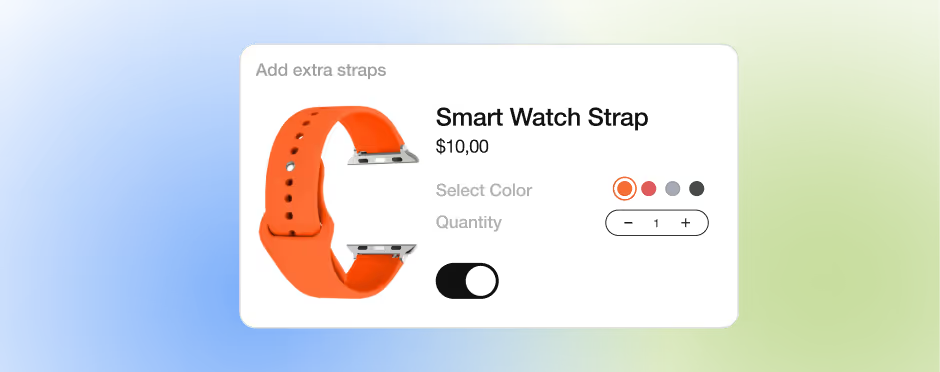
Full Buy Module Capabilities
Because each Sub Product is a fully functional Buy Module, you can include all standard components like variant selectors, quantity inputs, and product notes. This allows for highly customizable and interactive bundle experiences, giving users control over each item while still processing everything in one unified add-to-cart action.
Boost average order value with smart bundling
Sub Products let you build sophisticated selling strategies like "Complete the Look," "Starter Kits," or "Buy More, Save More" experiences using native Webflow elements.
Give shoppers more control without losing simplicity
Your Shopify data is stored in separate collections and referenced to the Products collection. Storesynk Webflow App automatically sets up CMS collections, fields. Then imports and syncs all the data with a click.