FEATURES
Multi-market Shopify stores made easy
Sync localized content and currencies from Shopify into Webflow to build high-performance, SEO-optimized storefronts for every market you sell in.
Free until you launch
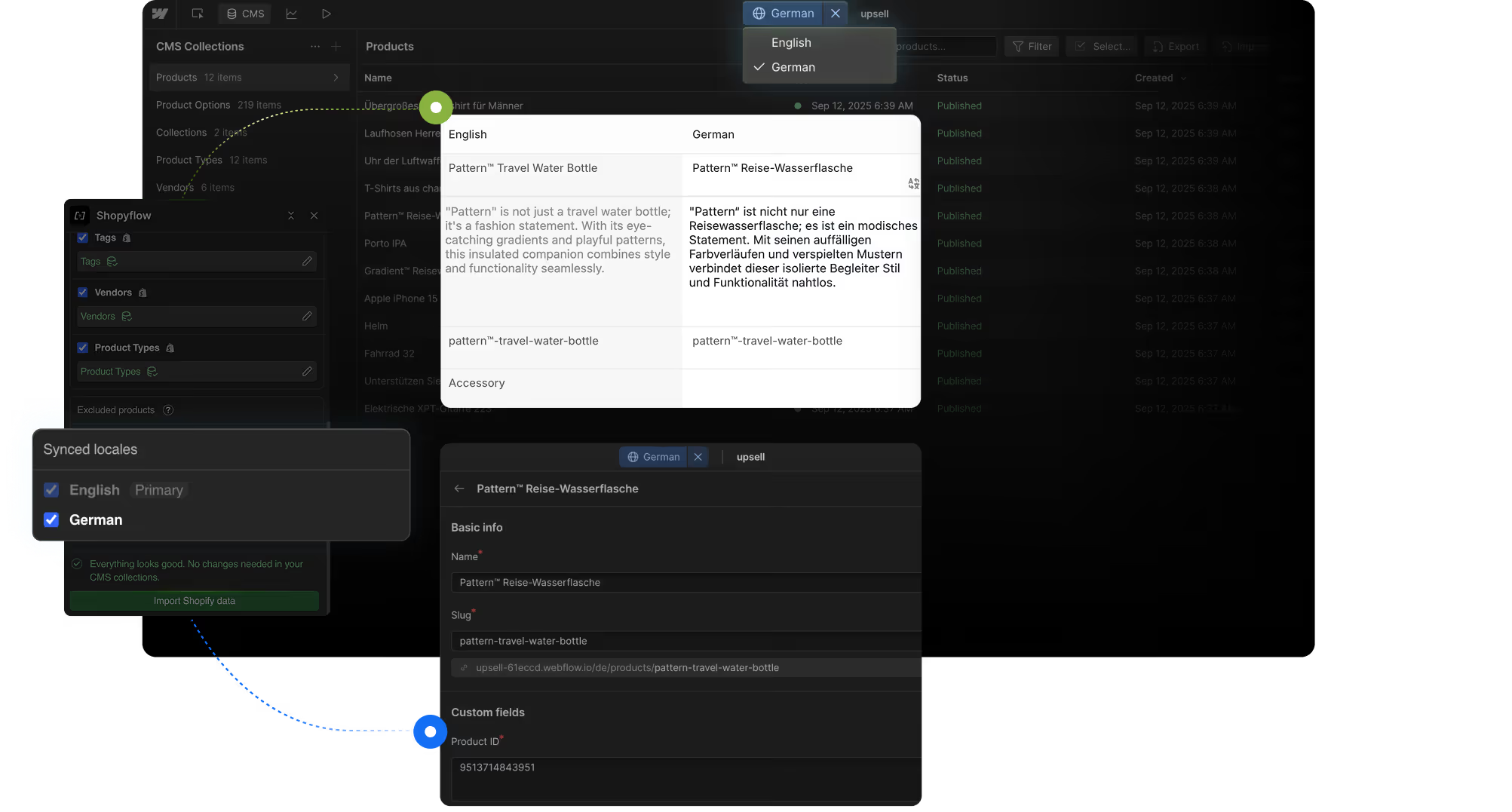
Serve localized content and currencies automatically by syncing Shopify with Webflow.
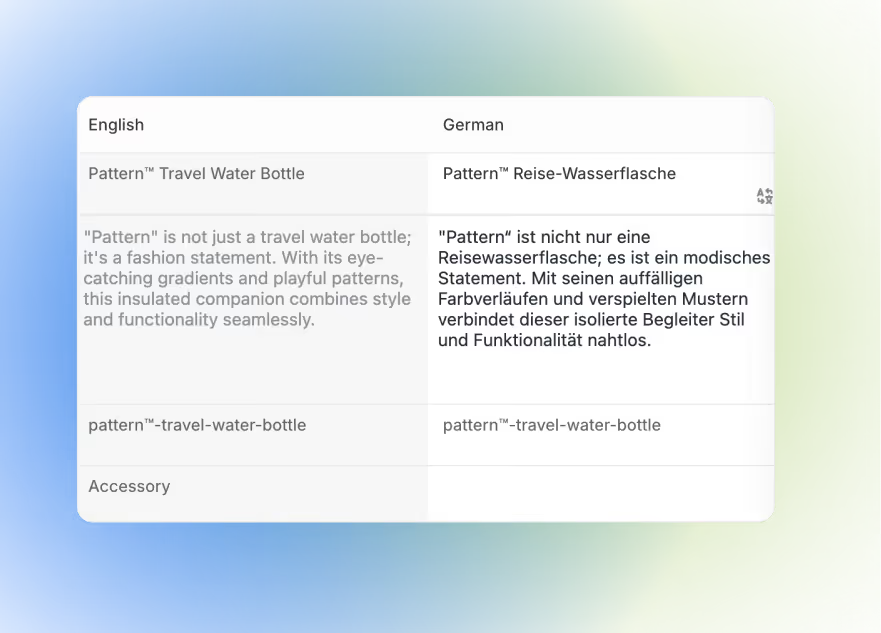
Storesynk maps Shopify locales into Webflow CMS fields, letting you manage multi-language and multi-currency content in one project—fully editable and SEO-ready.
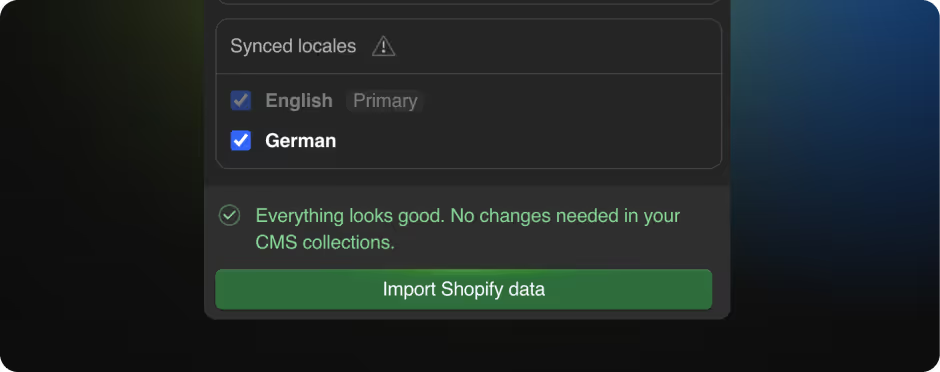
One-click import and sync your locales.
Import all your Shopify Markets locales into Webflow CMS with a single click—ready to localize content instantly.
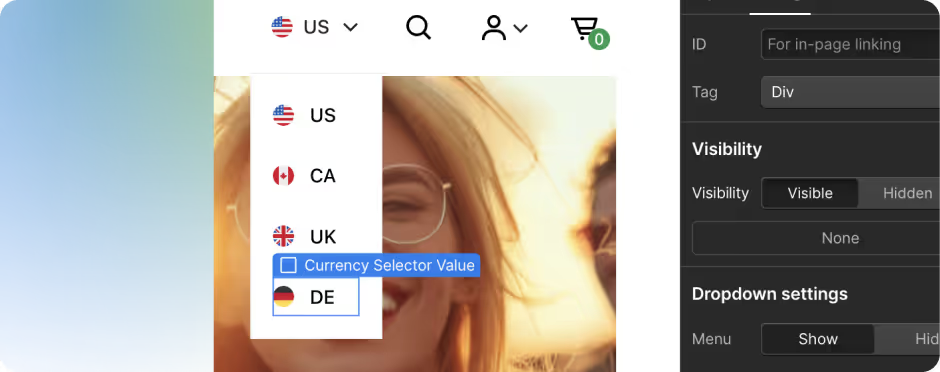
Native currency selector for multi-market stores
Enable multi-currency support on your storefront with a built-in selector that connects directly to Shopify’s pricing logic.
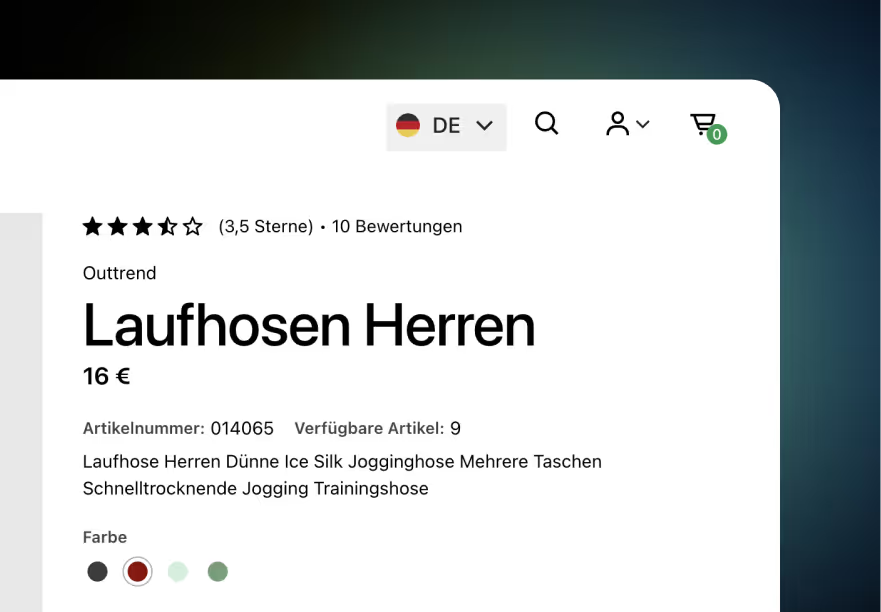
Sell in your customers language with their currency
Deliver localized content and pricing that matches each visitor’s region—improving trust and conversion rates.
Shopify as the single source of truth for your content
Manage all your multi-market content and pricing centrally in Shopify, with automatic syncing into Webflow.
Customize element visibility and styles for each locale
Show or hide elements and apply unique styling for each locale using Webflow’s conditional visibility and layout controls.